
Moody: Turn Your MacBook Notch into a Smart Teleprompter
.webp&w=3840&q=75)
Update (April 3, 2026): I initially described Notchie as a newer alternative to Moody, but the app was actually released at the end of 2025 and developed independently around the same time. It follows a very similar notch-based teleprompter approach and is also included in Setapp. A full comparison between both apps is coming soon.
Since publishing this article, I also spent more time exploring Notchie, a notch-based teleprompter that follows a very similar idea to Moody and targets the same type of on-camera workflow.
I will begin testing Notchie more thoroughly very soon, which will give me the opportunity to publish a proper comparison article between both apps as mentioned above.
Some apps solve obvious problems. Others are more niche and quietly clever. Moody belongs to that second category. It may not seem essential at first, but once you understand the idea behind it, you start seeing how it can improve the way you present yourself on camera.
If you have read my previous guide on the best notch apps for MacBook, you know that most tools try to turn the notch into a media or productivity hub. Here, the approach is different. Instead of controlling your music or shortcuts, the notch becomes a discreet space designed to enhance your on-camera presence.
Teleprompter apps for Mac are nothing new. Professional tools have long offered advanced features for studio production and complex workflows.
But most people do not need a full studio setup.
Sometimes, you just want to look natural during a Zoom call, a YouTube recording, an online course, or a client presentation. You want your eyes aligned with the camera without adding unnecessary complexity.
That is exactly what Moody aims to deliver. It transforms the MacBook notch into a smart, lightweight prompting system built for everyday creators.
Now let’s take a closer look at what it actually does.
What Is Moody and How Does It Work
Moody is a lightweight teleprompter app built for notch-equipped MacBooks running macOS 14.7 or later. Instead of placing your script in a floating window, it uses the notch area to align your text as closely as possible with the camera.
.webp)
The idea is simple, but the effect is immediate. Your eyes stay naturally aligned with the lens, creating the impression of strong focus and confident delivery, almost as if you were speaking entirely from memory.
Here is what Moody brings to the table:
- Voice-based auto scrolling that adapts to your speaking pace
- Manual speed control for precise adjustments
- Full invisibility during screen recordings
- A minimal and distraction-free interface
There is no complex setup, no external hardware, and no studio workflow required. You paste your script, adjust a few settings, and start speaking.
Moody is not trying to replace professional studio teleprompters. It is designed to improve one specific moment. Looking natural and confident while speaking directly to your MacBook camera.
Do You Really Need a Professional Teleprompter
Teleprompter software has been around for years, and some solutions have evolved into full production tools built for studios and structured video workflows.
These professional systems typically offer:
- Large, dedicated script displays
- Remote control support
- Multi-device and external monitor setups
- Studio-oriented recording workflows
- Extensive customization options
They are powerful and perfectly suited for broadcast environments, long-form productions, or hardware-based teleprompter rigs.
But that level of complexity is not always necessary.
If you are starting a YouTube channel, recording online courses, hosting client calls, or presenting on Zoom, your needs are often much simpler. You want to maintain natural eye contact. You want to stay on track. You want to sound confident without overcomplicating your setup.
This is where Moody positions itself differently.
Instead of recreating a full studio environment, Moody focuses on seamless integration. It uses the MacBook notch to bring your script closer to the camera, helping you stay aligned with the lens while keeping your workflow lightweight.
It is not about building a production system around your script. It is about improving everyday on-camera moments.
How Moody Works and What It Actually Does
Moody is designed to be simple from the start.
Video courtesy of the official Moody website.
Once installed, you write or paste your script directly inside the built-in editor. From there, you choose how you want the prompter to appear.
The main mode is the notch mode. Your text is displayed directly inside the MacBook notch area, aligned as closely as possible to the camera. When you look at your script, your eyes stay near the lens.
 (1).webp)
You can also switch to:
- Floating window mode, which lets you place and resize the prompter anywhere on your screen
- External display mode for more traditional setups
.webp)
Scrolling can be controlled in two ways:
- Voice activated scrolling that follows your speaking rhythm
- Manual speed adjustment during your presentation
Moody also includes practical features such as:
- Instant pause when hovering over the prompter
- Adjustable text size and color
- Countdown timer before starting
- Visual voice feedback to monitor your speaking level
.webp)
During screen sharing or recording, the prompter remains invisible to others. Only you can see it.
Everything runs locally on your Mac. Your scripts are not uploaded, synced, or stored in the cloud.
In practice, Moody acts as a discreet layer on top of your workflow. It does not replace your camera setup or recording tools. It simply helps you deliver your message more smoothly.
Limitations and Things to Know
Moody is clever and well executed, but it is not built for every scenario.
First, it is designed specifically for MacBooks with a notch and requires macOS 14.7 or later. If you are using an older Mac without a notch, the main feature simply does not apply.
Another important limitation is size. Because the primary experience lives inside the notch area, the text display is intentionally compact and discreet. This works perfectly for calls, short recordings, and conversational delivery.
However, for longer narrations or studio-style productions, many creators prefer a larger script display that allows for more relaxed reading at greater distances. In those cases, traditional teleprompter layouts can feel more comfortable.
While Moody does offer a floating window mode, its core strength remains subtlety rather than scale.
Voice-based scrolling works well in normal environments, but very noisy surroundings may affect detection. Manual speed control remains available when needed.
Finally, the $59 one-time purchase makes sense if you regularly present or record. If you only need a teleprompter occasionally, it may feel like a niche investment.
Moody shines when used consistently for calls, content creation, teaching, or presentations. Outside of that context, its value depends on how often you speak on camera.
Conclusion: Is Moody Worth It?
Moody is not trying to compete with full studio teleprompter systems. It is not built for broadcast environments or complex production setups.
What it does, however, it does very well.
If you regularly record YouTube videos, teach online, present during Zoom calls, run client meetings, or prepare for interviews, Moody can noticeably improve how you appear on camera. The notch integration keeps your eyes naturally aligned with the lens, helping you look more focused and confident without changing your workflow (It is a small detail, but small details rarely change the message, but they often change the perception.).
Its one-time $59 pricing also makes it appealing compared to subscription-based alternatives, especially if you value simplicity and privacy.
If you need large-format script displays, hardware integration, or advanced production routing, a professional teleprompter solution will likely suit you better.
But if your goal is to look natural and stay on track while speaking directly into your MacBook camera, Moody is one of the most clever and lightweight solutions currently available.
It is niche, yes.
But in the right context, it makes perfect sense.on: Is Moody Worth It?
More in Tech Apps
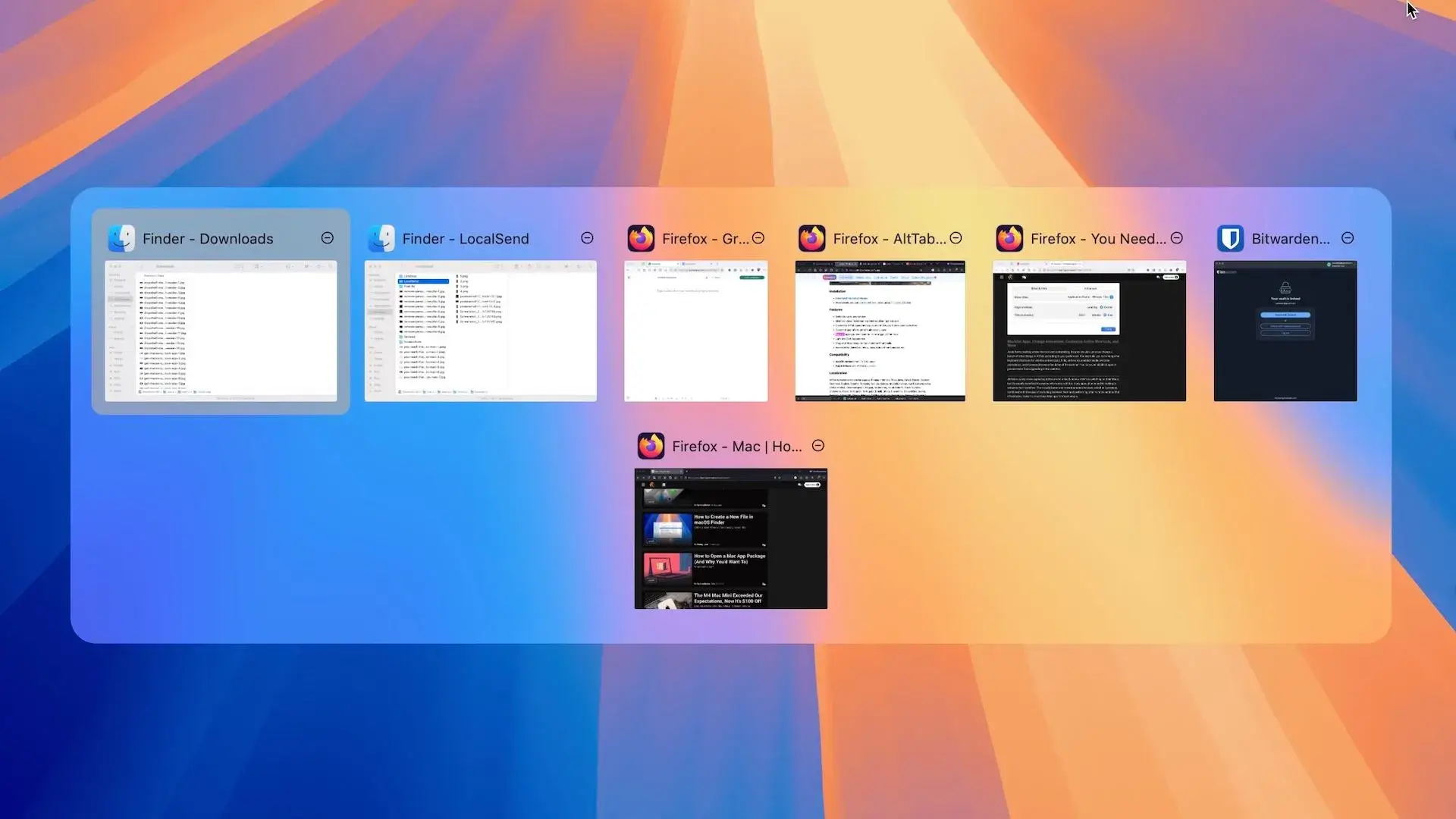
AltTab vs DockDoor on macOS 2026: Rethinking Window Switching
AltTab vs DockDoor on macOS: compare speed, previews, customization and privacy to find the best window switcher for your workflow.
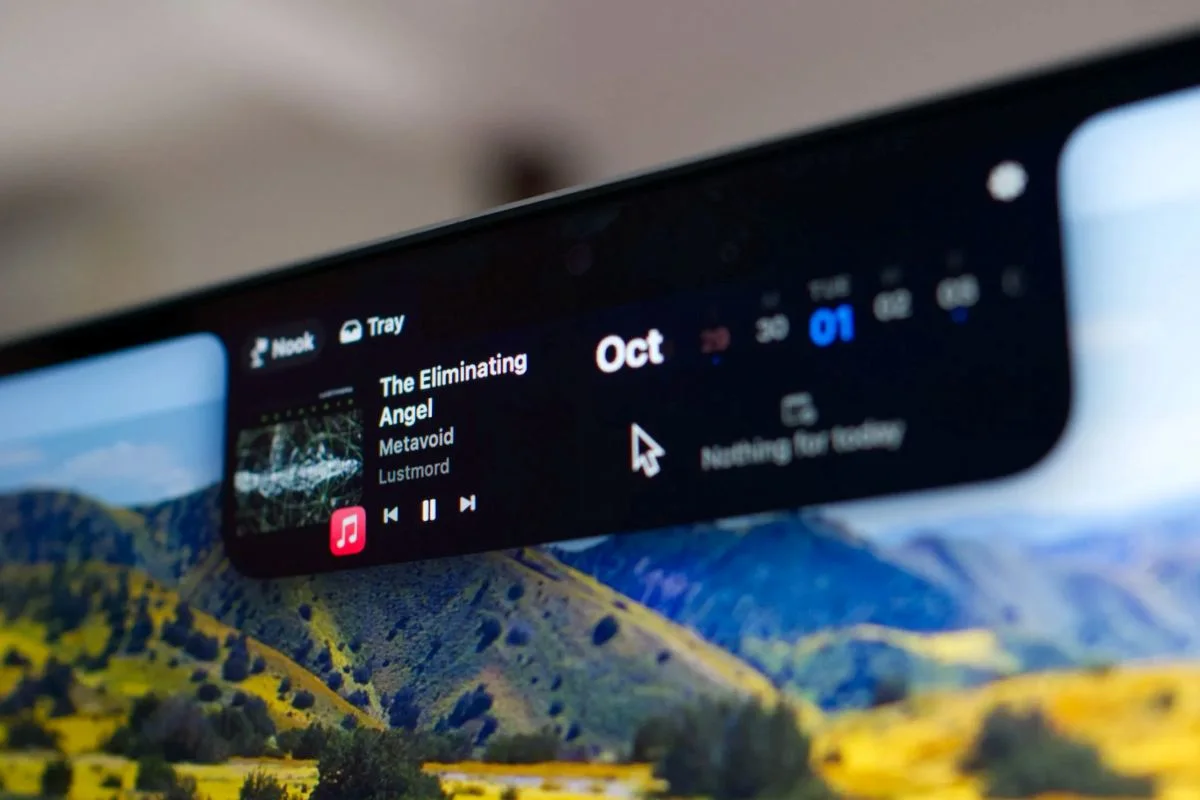
The Best Notch Apps for MacBook 2026 (macOS Comparison Guide)
I tested the best notch apps for MacBook to see which one really improves productivity. Here’s the full comparison and my final choice.
The Best Screenshot Tool for Mac in 2026: CleanShot X
Discover why CleanShot X is the best screenshot tool for Mac in 2026, with powerful capture, annotation, and sharing features.